Using the Console
Dashboard
After logging into the console, you will see the main dashboard.
This dashboard is the main area to see the usage, status of resources, and total spend on evroc.
Metrics and usage can be viewed on both a project and organization level.
Projects
You will need to create a project before deploying any service on evroc.
Projects enable you to keep services organized logically based on applications and teams within your organization.
To create a new project, click on the blue plus sign in the top right corner:

Creating Services
After creating a project, you will now see a list of the available services that you can deploy.
You can start creating services by clicking each service icon, or quickly deploy the services by clicking on the blue plus sign.
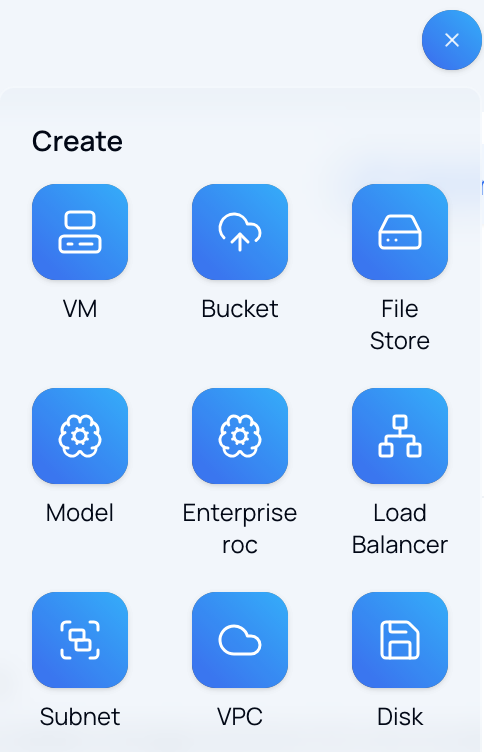
Here are the services currently available on evroc:
| Category | Service | What it is |
|---|---|---|
| Networking | VPC | Isolated private network for a project |
| Networking | Subnet | Zonal IP range inside a VPC |
| Compute | Virtual Machines | On-demand VMs, CPU/GPU, cloud-init |
| Compute | Disks & Snapshots | Persistent block storage for VMs |
| Storage | Object Storage (Buckets) | S3-compatible storage for unstructured data |
| Storage | File Store | Shared file systems for multiple VMs |
| Networking | Load Balancer | L4 TCP load balancer for public ingress |
| AI | evroc Think Models | Model-as-a-service inference |
Explorer
Once a service has been deployed, for example a Virtual Machine, you will be able to manage it in the Explorer under the appropriate category.
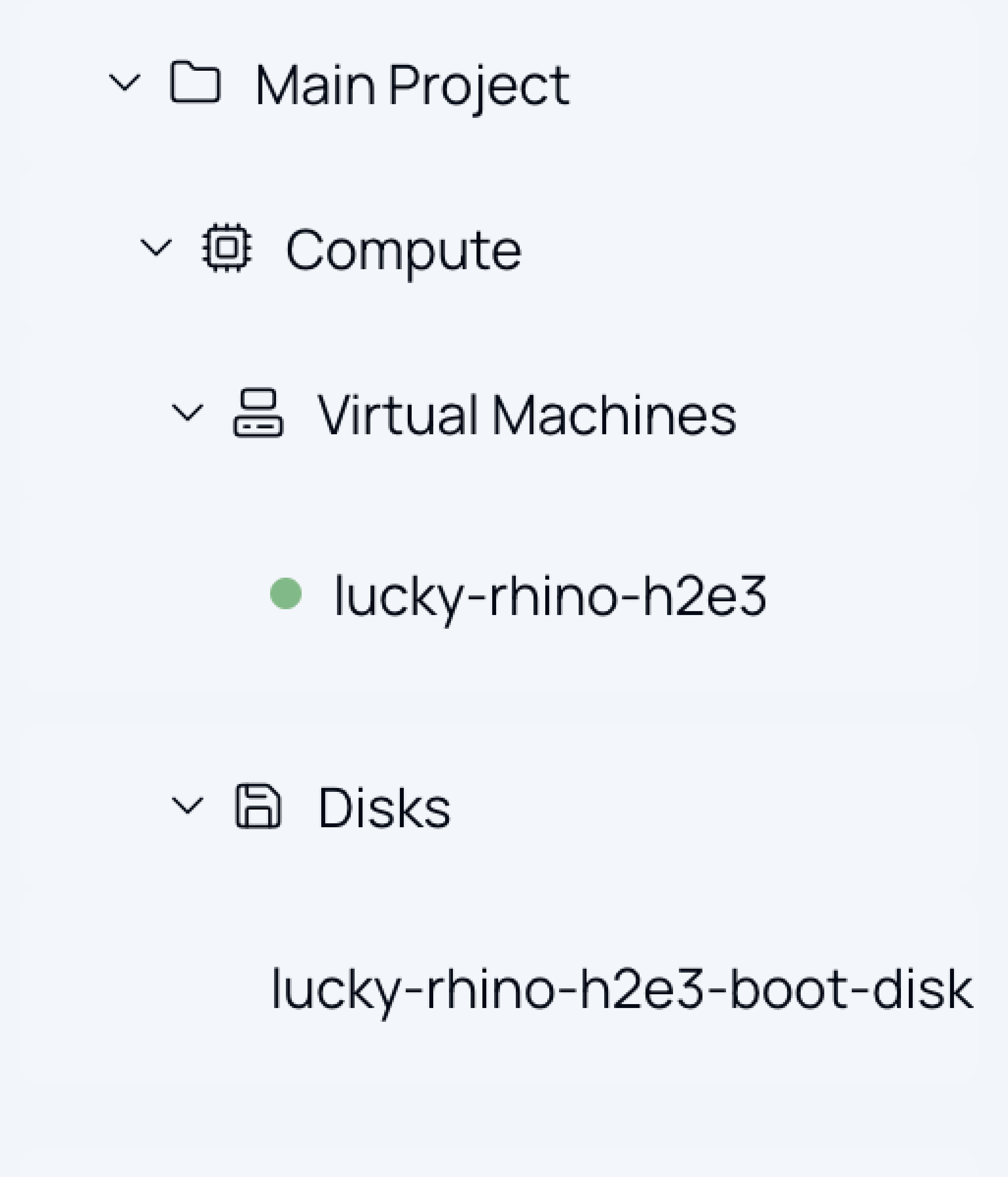
The explorer is on the left side of the dashboard and uses a folder structure so you can see each deployed service under the different categories.
Search and roc
You can use the search at the top of the dashboard to find your deployed services quicker.
Searching by name of service will show all the deployed services with that name.
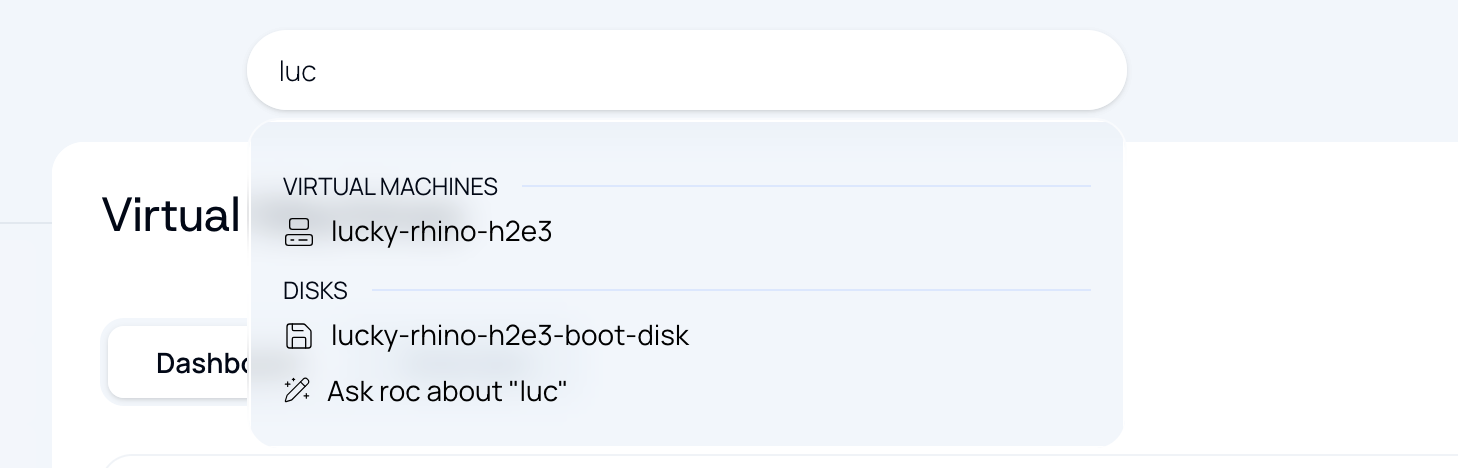
This search bar also allows you to ask questions to roc, our AI assistant, directly in the console.
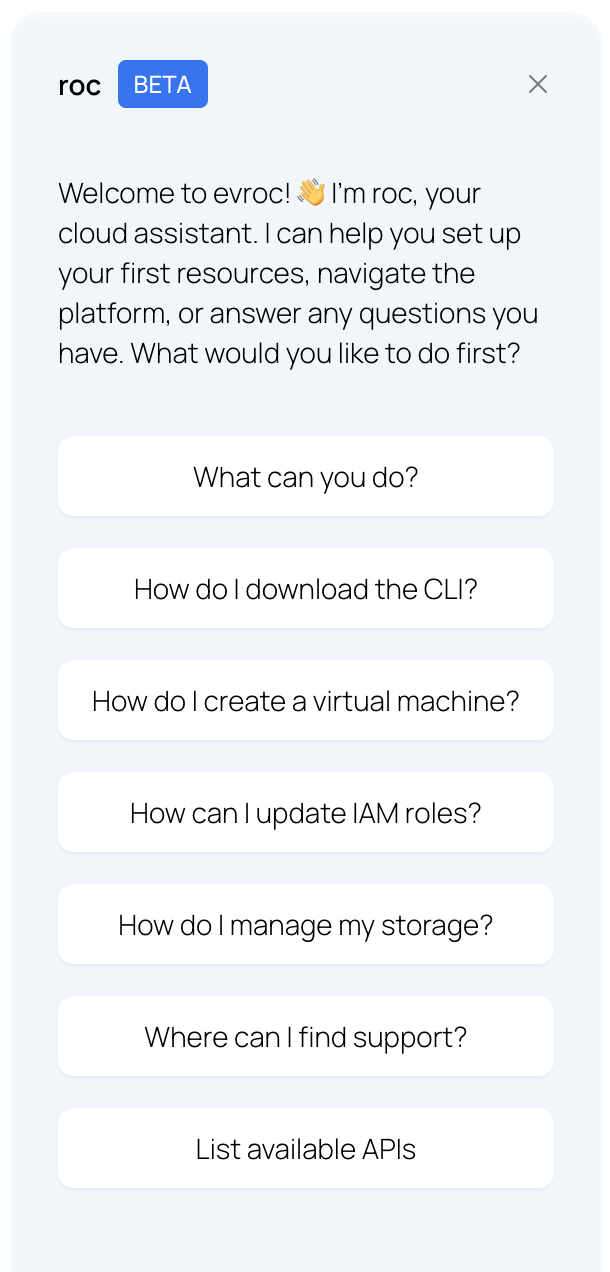
roc can help answer questions you have about using evroc such as how to create virtual machines, manage storage, and update IAM roles.